How can we help?


ARCTERA : We’ve moved!
Find enhanced support for the solutions you use:
Visit the new portals, to Manage Licenses, Downloads and Contact Management starting May 11 at:
Access: You need to complete user registration invite sent to your email address to access the customer portals or reach out to your organization admin to add you to the account.
Important Update – Cohesity Support Has Moved!
Effective November 10, 2025, at 12:00 a.m. PT, all support requests for Cohesity products—including NetBackup, Appliances, NetInsights Console, IT Analytics, and Alta SaaS Protection - are now managed through the unified Cohesity Support Portal.

VERITAS / ARCTERA SECURITY ALERTS
Security Alerts
View the latest security alerts, hotfixes and advisories covering Veritas / Arctera products.
Know More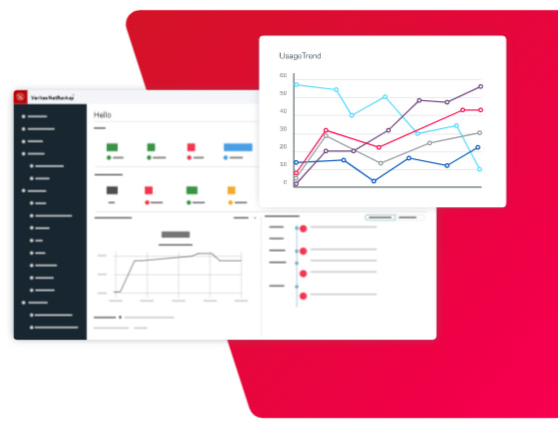
Veritas Appliances
RHEL 7.9/8.6 Support has ended
Veritas Appliances are protected with a hardened version of the Red Hat Enterprise Linux (RHEL) operating system. RHEL 7.9/8.6 support has ended. RHEL 8.8 support ends on May 31, 2025. Customers should upgrade to the most recent Appliance version, that uses a supported version of RHEL, to continue receiving operating system vulnerability fixes.
Know More
Support for NetBackup 5240 Appliance will end soon on October 31st, 2025.
Support for NetBackup 5240 Appliance will end soon on October 31st, 2025.
Please contact your Cohesity Sales representative for information on Appliance refresh options.
Learn More


